
Flames are particularly hard to render in Photoshop, but in this tutorial I'll show you how to use a photograph of fire to set text to the match. We'll render the look on a nice dark background with a gorgeous text effect to complete the image.
This is the second of our five part series on Photoshop Typography. If you missed last week's, go visit Create a Spectacular Grass Text Effect.
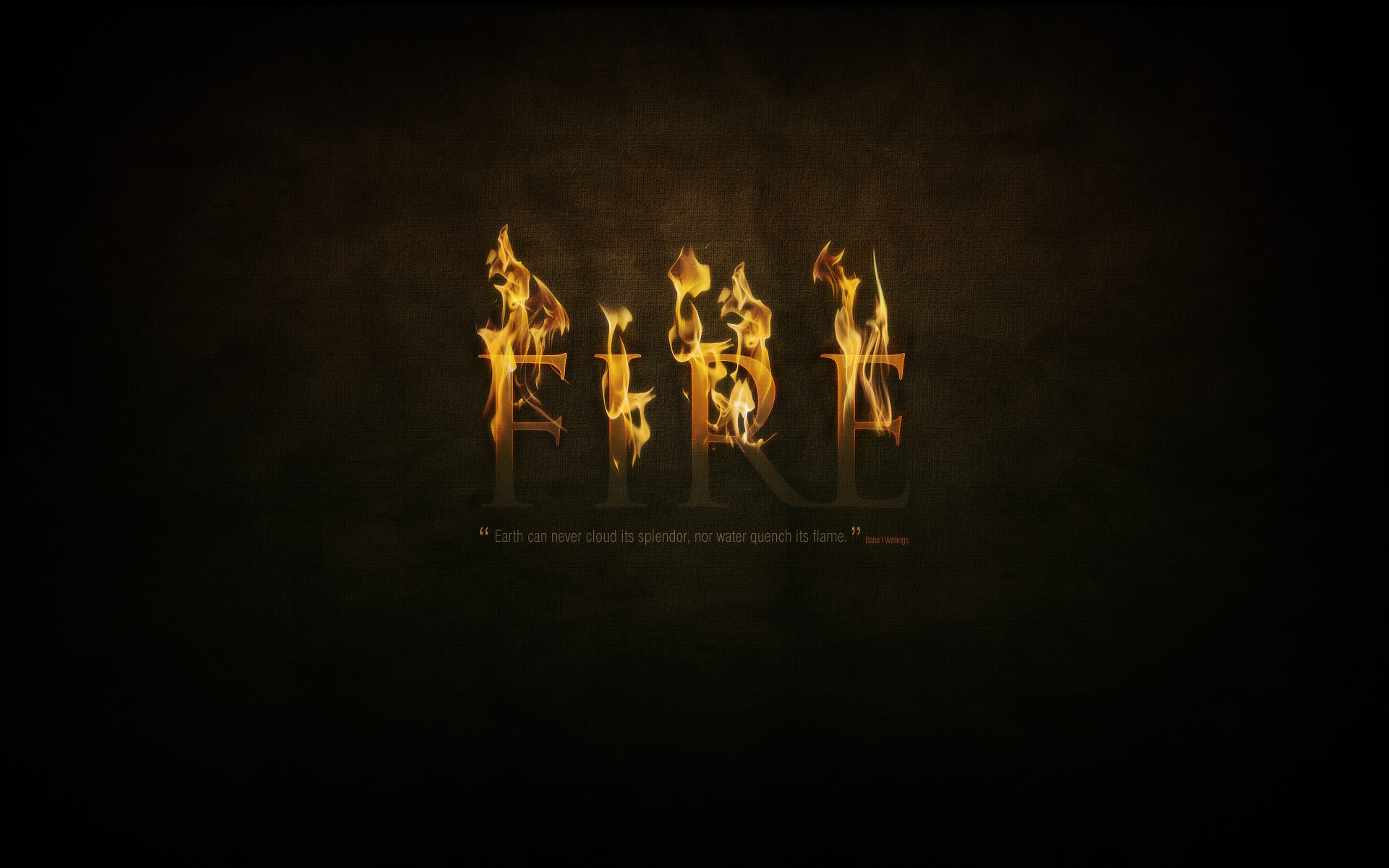
The End Effect
As always we'll begin with the final result, so you can see where we're going. It's on a nice big canvas so it can serve as the desktop background on my laptop for the next week or so! Click to see the full 1920px x 1200px size.
 Read More...


 Posts
Posts


No comments:
Post a Comment